
How to Install QMPlay2 on Windows
A step-by-step installation on Windows 10 and 11, covering the portable build, file associations and the first settings worth reviewing.
Read articleQMPlay2 is a free video and audio player for Windows, Linux and macOS. It plays every format that FFmpeg supports, opens network streams, Audio CDs and chiptunes, and provides a built-in YouTube browser for online video.
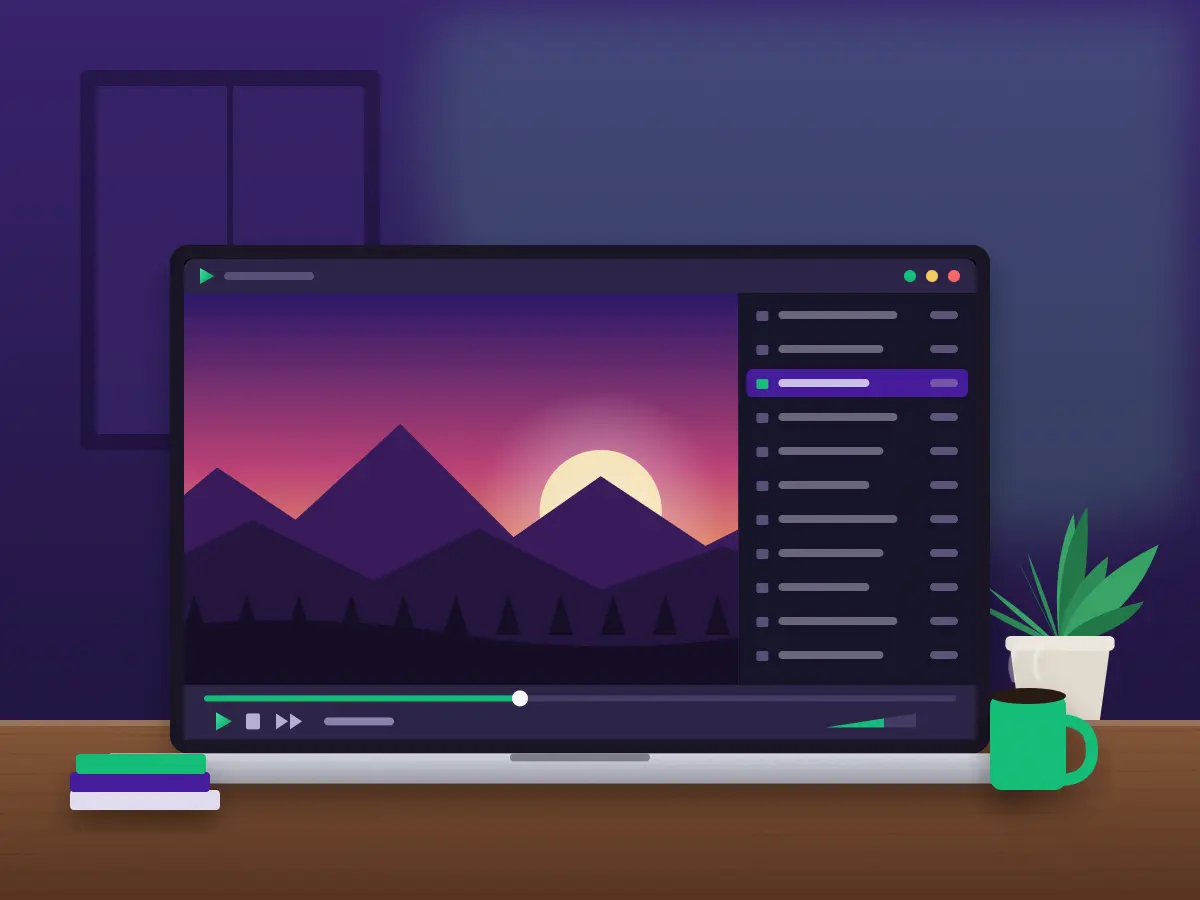
QMPlay2, short for Qt Media Player 2, is a desktop player built upon Qt and FFmpeg. It manages video, music and live streams within a single window.
The interface is composed of dockable panels. You may keep the playlist, YouTube browser, radio search and visualisations open side by side, or conceal them entirely and watch in full screen.
The majority of its features are provided by modules, each of which may be configured or disabled independently within the module settings.
The project is open source and is maintained on GitHub, where the code, issue tracker and release notes are publicly available. New versions appear several times a year, bringing format updates, fixes and additional options.
Because playback is founded on FFmpeg, support for new codecs generally follows FFmpeg's own updates. On Linux this is delivered through your ordinary system updates.
The tools you will use most often, from everyday playback to advanced video settings.
Opens MKV, MP4, AVI, WebM, MOV and more through FFmpeg. No additional codec packs are required, and new formats arrive with each FFmpeg update.
Vulkan Video, CUVID, D3D11VA, DXVA2, VA-API and VideoToolbox delegate decoding to the GPU and reduce processor load.
Search and play online videos within the player, set your preferred quality order and switch between audio languages.
SRT, ASS/SSA and MicroDVD files, embedded tracks, online search, resizing and precise 100 ms timing steps.
Groups, folder synchronisation, sorting, queues and nine repeat or shuffle modes, saved as M3U, PLS or XSPF.
HTTP, HTTPS and HLS links, internet-radio search, stream recording and Streamlink support.
An equaliser, headphone crossfeed, voice removal, a compressor, echo and the FFmpeg audio filters.
Spherical view for panoramic clips on the OpenGL and Vulkan outputs. Drag with the mouse to look around.
Every panel may be docked, moved, stacked into tabs or closed. Compact view conceals the extras when you want only the video, while always on top keeps a small window above your work. The player may also start minimised in the system tray.
The defaults suit most files, so you may begin immediately after installation. When you require more, each module has its own page within the settings, and advanced options such as a custom user agent reside in the QMPlay2.ini file.
A single player for files, discs, streams and retro music.
The common containers and codecs, read through FFmpeg: MKV, MP4, AVI, WebM, MOV and TS.
Lossy and lossless music such as MP3, FLAC, Opus, AAC, OGG and WAV, with tags read through TagLib.
Audio CDs with track names, game music such as NSF, SPC and SID, and tracker modules such as MOD and XM.
Direct HTTP and HTTPS links, HLS adaptive streams and internet-radio stations.
SRT, ASS, SSA and MicroDVD files, tracks stored within video containers, and LRC lyrics.
M3U, M3U8, PLS and XSPF lists, which you may open, save and transfer between devices.
Music files display their tags and cover art within the playlist, and a built-in tag editor allows you to correct titles, artists and comments. Still images may also be displayed once the option is enabled in the settings.
QMPlay2 affords you control over the appearance of video, from decoding to the final frame on screen.
Interlaced video is detected automatically. For older television recordings or DVD rips you may still select a filter by hand within the video-filter settings.
The Vulkan renderer provides its own Yadif filter for processor-decoded video. Further video filters include motion blur and an FPS doubler.
Four brief steps on Windows. Linux users may install from their package manager.
Download the installer or the portable build for your system.
Open the installer and choose a folder, or extract the portable archive.
Choose which video and audio extensions should open in QMPlay2.
Drag a file into the window, or add a folder to the playlist.
The package manager is the simplest route, since it draws in FFmpeg and every library the modules require.
Arch: yay -S qmplay2-git
Fedora (RPM Fusion): sudo dnf install qmplay2
Gentoo: emerge --ask media-video/qmplay2
macOS users, and anyone wishing to use the newest code, may build the player. You will need CMake 3.16+, Qt 5.15.2+ or Qt 6, and FFmpeg 4.0+.
Run git submodule update --init before building. A complete walkthrough for each system may be found in the guide section.
Obtain the complete QMPlay2 source code in order to build the player or package it for your system.
QMPlay2-master.zip · Source code · 1.75 MB · Version 26.08.02 · LGPL 3.0
The player performs well on modest hardware. Hardware decoding is of greatest benefit with 4K and high-bitrate files.
| Item | Minimum | Recommended |
|---|---|---|
| Operating system | Windows 10 64-bit, recent Linux, macOS | Windows 11, current Linux release |
| Processor | Dual-core 64-bit CPU | Quad-core CPU |
| Memory | 2 GB RAM | 4 GB RAM or more |
| Graphics | OpenGL 2.1 support | Vulkan GPU with video decoding |
| Disk space | Around 150 MB | Extra space for yt-dlp and recordings |
| Build tools | CMake 3.16, Qt 5.15.2, FFmpeg 4.0 | Qt 6 and FFmpeg 8.0 |
These figures are practical guidelines. Most 1080p files play smoothly on older machines once hardware decoding is enabled. For 4K HDR video, a recent GPU with Vulkan support yields the best results.
The build requirements apply only if you compile the player yourself. Ready-made packages for Windows and Linux already include the libraries they require, so that row may be disregarded when installing a package.
Highlights from the most recent releases. The complete list may be found in the ChangeLog file within the download.
Each update brings format fixes, playback improvements and modest new options, so it is well worth keeping the player current.
Practical walkthroughs for installation, performance and everyday use. Each article addresses a single task in short steps, with the exact menu names.
A step-by-step installation on Windows 10 and 11, covering the portable build, file associations and the first settings worth reviewing.
Read article
Move a GPU decoder to the top of the list, select the one suited to your graphics card and understand what it changes.
Read article
Search and play online videos within the player, set quality priorities and resolve the usual yt-dlp difficulties.
Read articleConcise answers to common questions about installing and using QMPlay2.
Yes. QMPlay2 is free and open source under the GNU LGPL 3.0 licence. There are no paid tiers, advertisements or feature restrictions, and it may be used at home, at work or in education.
QMPlay2 runs on Windows, Linux and macOS. Linux users may install it from the AUR, RPM Fusion, Packman, Gentoo and Slackware repositories, or build it with Flatpak; macOS users may build it from source.
It plays every format that FFmpeg supports, including MKV, MP4, AVI, WebM, MP3, FLAC and Opus. It also handles Audio CD, raw PCM files, chiptunes such as NSF and SID, and tracker music such as MOD and XM.
Yes. It supports Vulkan Video, CUVID, D3D11VA, DXVA2, VA-API and VideoToolbox. Hardware decoding is disabled by default and may be enabled in Settings → Playback settings by moving a GPU decoder to the top of the list.
The YouTube browser depends on the yt-dlp tool, which QMPlay2 downloads automatically. If playback fails, confirm that antivirus or firewall software is not blocking yt-dlp, and that the player is permitted to run external programs.
Yes. On Windows, use the portable build and place an empty file named "portable" beside QMPlay2.exe. The settings will then remain within that folder, allowing you to carry the player on a USB drive.
Use Delay subtitles or Speed up subtitles in the playback menu; each step shifts the text by 100 ms. A precise delay value may also be entered.
Yes. Add any HTTP, HTTPS or HLS link through Add → Address. You may also send streams from Streamlink directly to QMPlay2 and record what you are watching.
The file is QMPlay2-master.zip, the complete source-code archive of the project. It contains the code, translations, licence and build files required to compile the player.
The player has no account system and displays no advertisements. Online features such as the YouTube browser, radio search and Last.fm contact those services only when you use them.